Siri Commands: Complete List for Every Apple Device
Filter copy-ready voice prompts and Type to Siri requests across iPhone, Mac, Apple Watch, HomePod, AirPods, and CarPlay. Every command lists exact OS support and real setup caveats up front.
“Siri, ask ChatGPT to plan a 3-day Tokyo itinerary”
Siri confirms whether to share the prompt or screenshot with ChatGPT (unless auto-confirm is set) and displays ChatGPT’s formatted answer inside the Siri overlay.
Note: Requires Apple Intelligence hardware and the ChatGPT extension enabled in Settings > Apple Intelligence & Siri > ChatGPT.
Identify Objects, Flyers & Places with Visual Intelligence
“Siri, what restaurant is this?”
Visual Intelligence analyzes what your camera sees or what is on your screen and offers instant hours, reviews, calendar extraction, or web/ChatGPT lookups.
Note: Camera-based Visual Intelligence requires iPhone 16 series (Camera Control) or supported Action Button / Control Center models running Apple Intelligence.
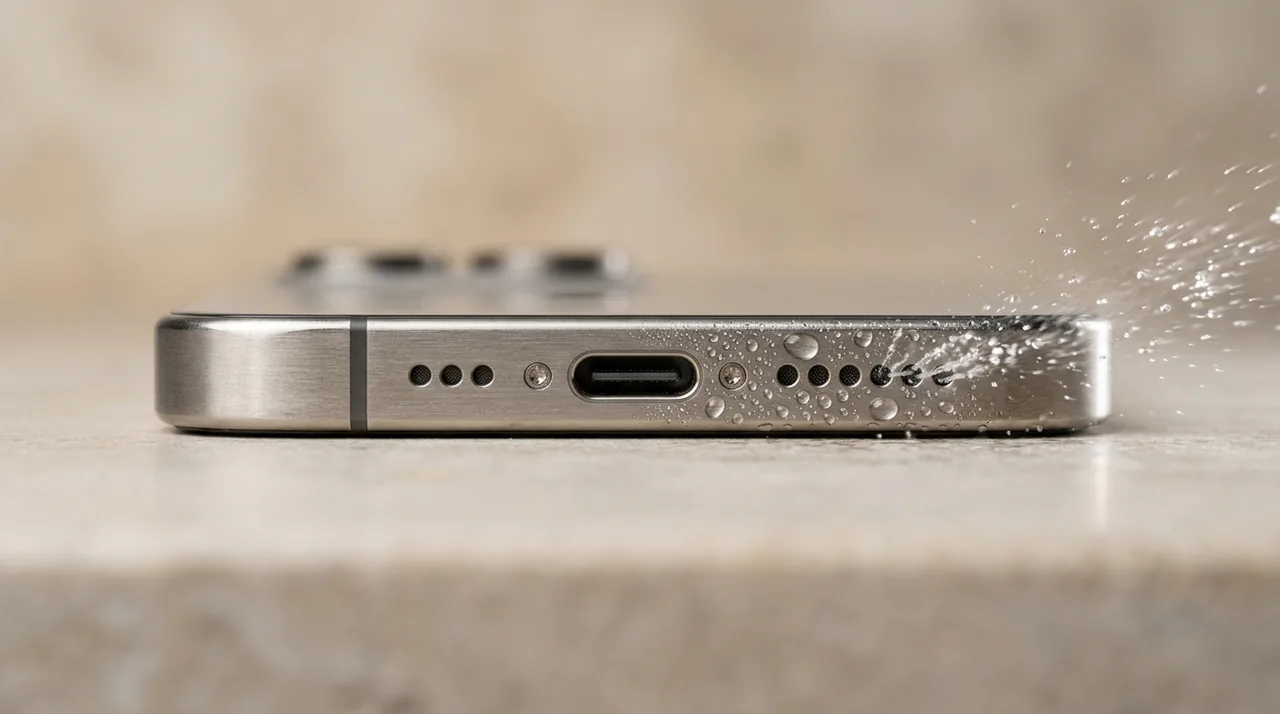
Siri triggers your installed Water Eject Shortcut, plays a pulsed low-frequency tone through the speakers, and clears residual moisture.
Note: Not built natively into iOS: you must first add a Water Eject shortcut in the Apple Shortcuts app (unlike Apple Watch, which has built-in Water Lock eject in Control Center).
Practical answers verified across iOS 26.4, iOS 27, macOS, watchOS, and HomePod.
Do I have to say "Hey Siri" or just "Siri"?
Modern Apple silicon devices running iOS 17 or newer, including recent iPhones, iPads, Macs, Apple Watch Series 9 or Ultra 2 and later, and HomePod, let you drop "Hey" and simply say "Siri." Older hardware and certain regional languages still require "Hey Siri." Check Settings > Apple Intelligence & Siri > Talk & Type to Siri to switch modes.
Which devices support iOS 26.4 and iOS 27 Siri commands?
Apple Intelligence features like on-screen awareness and personal context across Mail, Messages, and Photos require an iPhone 15 Pro, iPhone 15 Pro Max, iPhone 16 family, or newer, or an M-series iPad or Mac with Apple Intelligence enabled in a supported language and region.
Why do some Harry Potter spells work immediately while others do nothing?
Apple built native flashlight responses only for "Lumos" and "Nox." Other popular spells like "Silencio" for Focus mode or "Accio" for opening an app are not built into Siri by default. You can add them in under two minutes by naming a workflow in the Shortcuts app.
Can Siri control Spotify instead of Apple Music?
Yes on iPhone, iPad, Mac, Apple Watch, and CarPlay when you append "on Spotify" to your request, or after selecting Spotify as your default player when Siri asks. HomePod still does not run native Siri voice queries against Spotify and requires AirPlay from an iPhone, iPad, or Mac.
How do I activate Type to Siri without speaking out loud?
On an iPhone with Apple Intelligence enabled, double tap the bottom Home bar from any screen to start typing to Siri. On earlier iPhones or when Apple Intelligence is off, turn on Type to Siri under Settings > Accessibility > Siri so holding the Side button opens a keyboard instead of the microphone.
Why does Siri stop listening when my iPhone is face down or in Low Power Mode?
iPhone suppresses hands-free voice triggers whenever the proximity sensor detects the screen sitting face down or inside a bag, and Low Power Mode pauses always-on voice listening on supported models to save battery. Pressing and holding the Side button still wakes Siri immediately.
Setup Pages for 13 Key Commands
Direct links to individual setup steps, app permissions, and troubleshooting notes.