“Hey Siri, announce my notifications”
Siri reads time-sensitive alerts and Messages aloud through compatible AirPods or CarPlay and lets you reply hands-free.
Reads incoming iMessage and SMS messages aloud across iPhone, AirPods, CarPlay, HomePod, and Apple Watch, then asks if you want to reply.
“Hey Siri, read my unread messages”
Alternate Variations That Also Work
Expected Result
Siri speaks the sender’s name and message text aloud and pauses to let you dictate an immediate reply.
Important Requirements & Caveats
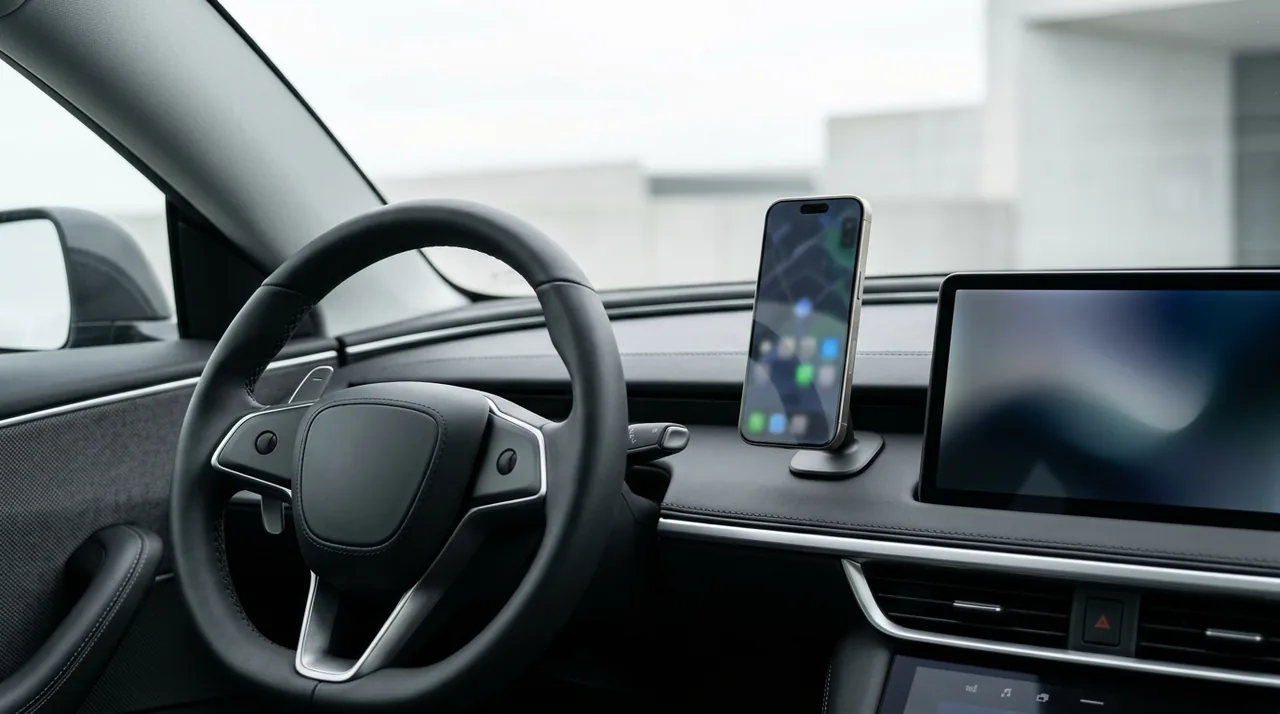
Reading messages while driving or walking with headphones pulls eyes away from where they need to be. Asking Siri to read unread texts lets you clear notifications and reply without looking down.
Siri fetches unread items from Apple Messages (and supported notification threads), speaks the sender and content, and opens a short follow-up prompt so you can say "Reply..." right away.
Siri can read incoming WhatsApp notifications when Announce Notifications is enabled for WhatsApp, or when you ask "Read my new WhatsApp messages" with Siri enabled for WhatsApp.
Yes, once Siri finishes reading an unread message aloud or you reply, Messages typically clears the unread badge.
In CarPlay and AirPods audio mode, Siri tells you a sender sent an image or attachment rather than reading text inside photos.
Similar & companion commands
4 commands“Hey Siri, announce my notifications”
Siri reads time-sensitive alerts and Messages aloud through compatible AirPods or CarPlay and lets you reply hands-free.
“Hey Siri, reply I’ll be there in five minutes”
Siri confirms your reply text and delivers it to the same sender or group thread.
“Hey Siri, send a WhatsApp message to Alex”
Siri confirms the recipient on WhatsApp, previews your dictated message, and sends it upon confirmation.
“Hey Siri, text Sam that I’m running 10 minutes late”
Siri transcribes your message, displays a preview card (or reads it back on AirPods/CarPlay), and sends it when you say "Yes."
Car & Smart HomeiOS 27, CarPlay & HomePod7 min
Hands-free voice workflows built for driving and home rooms: CarPlay ETA sharing and message replies, HomePod Intercom broadcasts, multi-room music, and HomeKit door security rules.
TroubleshootingiOS 27 & iOS 17+7 min
Step-by-step fixes when Siri stops responding, ignores "Hey Siri," gets hijacked by Bluetooth mics, pauses in Low Power Mode, or throws "CarPlay Not Available: Enable Siri."