Siri Setup, Tricks & Troubleshooting Guides
Practical walkthroughs pairing verified voice commands with exact Settings paths, Shortcuts recipes, and honest hardware limitations.
Apple IntelligenceiOS 27 & iOS 26.47 min
iOS 27 & Apple Intelligence Siri Commands: What Actually Works
Tested Siri AI prompts for iOS 26.4 and iOS 27 covering personal context across Mail and Messages, on-screen awareness, Type to Siri, Visual Intelligence, and ChatGPT handoffs.
Easter Eggs & ShortcutsiOS 27 & iOS 17+5 min
Harry Potter Siri Commands: Native Spells vs. Shortcut Setups
Which Harry Potter spells work on Siri out of the box (Lumos and Nox) and how to build working Shortcuts for Silencio, Lumos Maxima, and Accio in two minutes.
Hidden UtilitiesiOS 27 & iOS 17+6 min
Secret & Hidden Siri Commands That Solve Annoying Problems
Skip generic lists and try practical hidden Siri commands: parked car lookup, hands-free screenshots, Find My audio pings, name pronunciation fixes, and Safari read-aloud.

Fun & Easter EggsiOS 27 & iOS 17+5 min
Funny, Weird & Creepy Things to Ask Siri (Real Responses)
Verified funny, musical, and offbeat Siri prompts that still trigger genuine scripted replies on modern iOS: zero divided by zero, Siri beatbox, Rapper’s Delight, jokes, and stories.
TroubleshootingiOS 27 & iOS 17+7 min
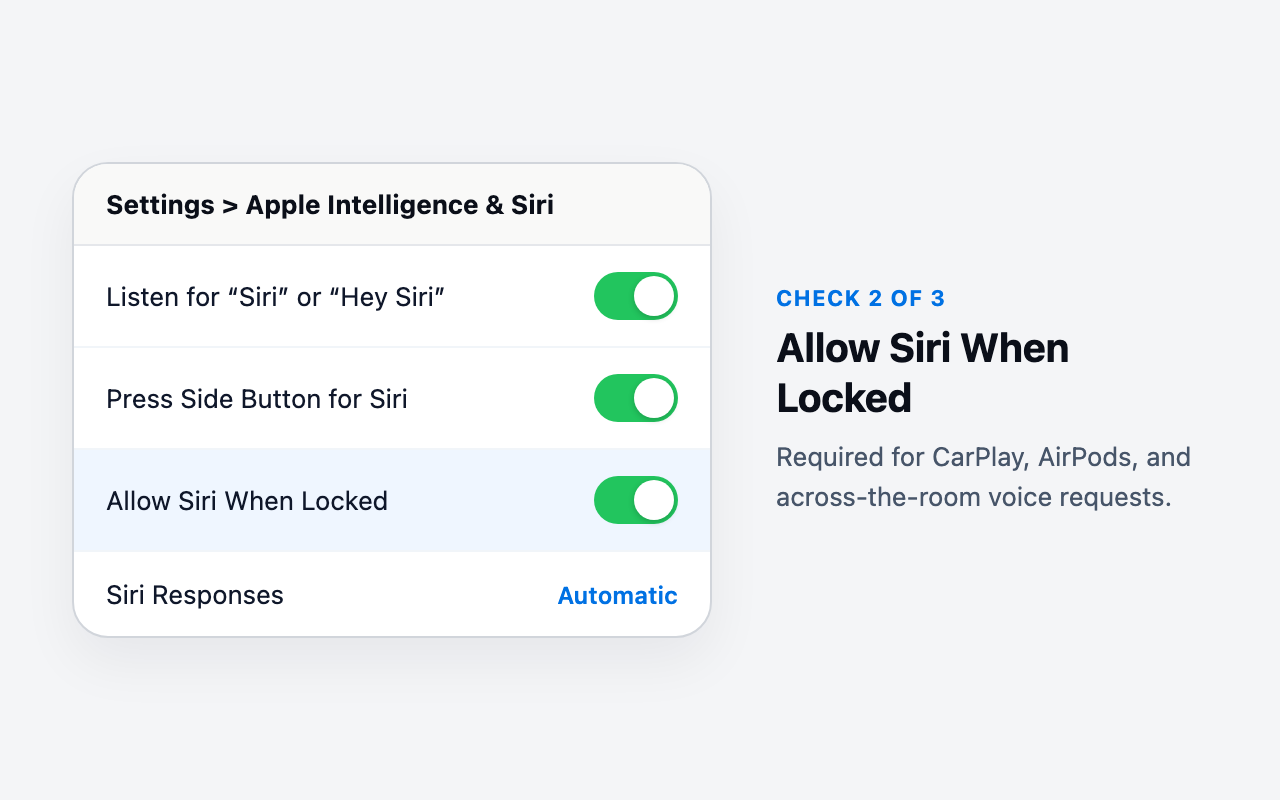
Siri Not Working or Responding? Real Fixes for iPhone & CarPlay
Step-by-step fixes when Siri stops responding, ignores "Hey Siri," gets hijacked by Bluetooth mics, pauses in Low Power Mode, or throws "CarPlay Not Available: Enable Siri."
Privacy & SettingsiOS 27, macOS & watchOS5 min
How to Turn Off Siri Completely (or Just Stop Accidental Wakeups)
Turn off accidental "Hey Siri" wakeups, disable the Side button shortcut, wipe Siri history, or shut Siri off completely across iPhone, Mac, Apple Watch, and HomePod.
Setup & CustomizationiOS 27 & iOS 17+5 min
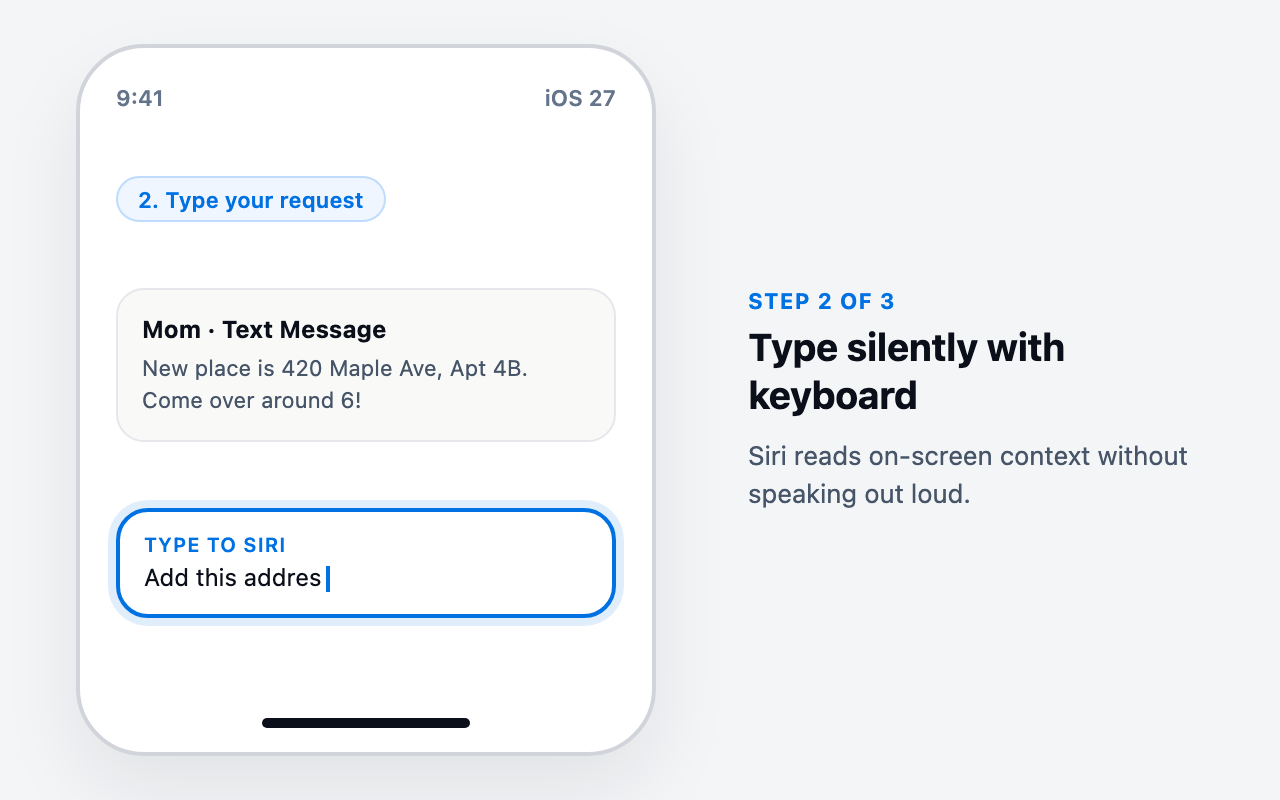
How to Set Up Siri, Change Siri’s Voice, and Enable Type to Siri
Configure "Siri" vs "Hey Siri" wake words, switch Siri’s accent and voice tone, enable silent Type to Siri, and tweak spoken vs. silent replies across iPhone and AirPods.
Shortcuts & AutomationiOS 27 & Shortcuts App6 min
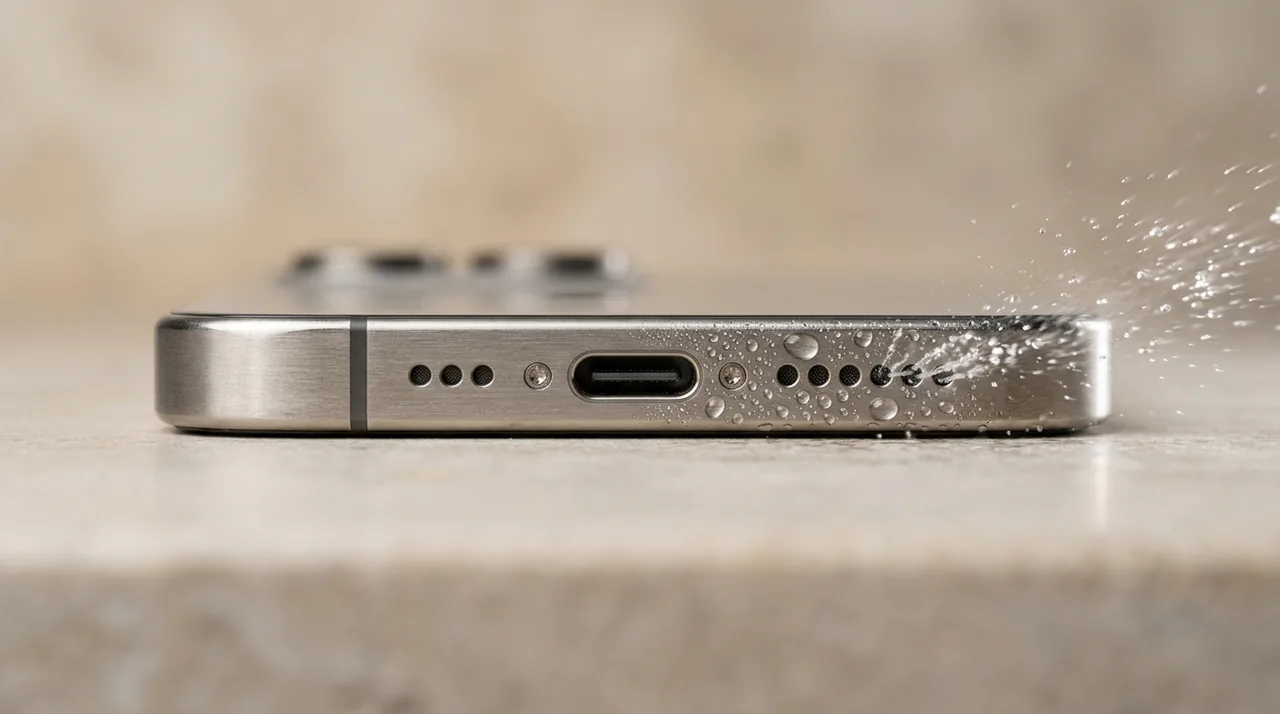
Custom Siri Commands & iPhone Shortcuts (Including Water Eject)
Turn any custom phrase into a working Siri command with Apple Shortcuts, run the 165 Hz Water Eject shortcut safely, and explore Vocal Shortcuts for single-word triggers.
Car & Smart HomeiOS 27, CarPlay & HomePod7 min
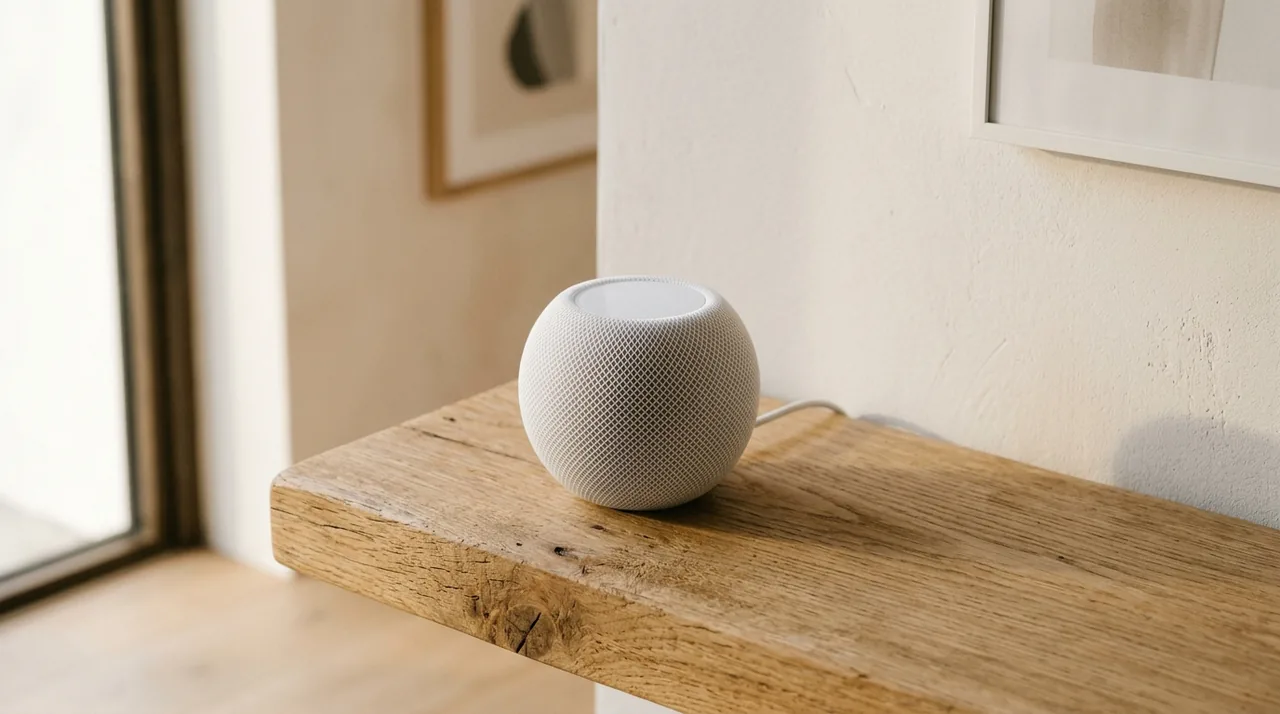
Siri Commands for CarPlay, HomePod & HomeKit Smart Homes
Hands-free voice workflows built for driving and home rooms: CarPlay ETA sharing and message replies, HomePod Intercom broadcasts, multi-room music, and HomeKit door security rules.
Cross-Device WorkflowsiOS 27, macOS & watchOS6 min
Siri Commands for Spotify, Mac & Apple Watch (Cross-Device Tips)
Use Siri cleanly with Spotify on iPhone and CarPlay, speed up Mac file lookups and system toggles, and trigger on-device Apple Watch workouts and Health logs.
System Architecture
How Siri Routes Every Request
Speak or Type
- "Hey Siri" or "Siri" wake phrase
- Double-tap Home bar (Type to Siri)
- Side Button, Crown, or Steering Wheel
Private Processing
- On-Device Neural Engine (timers, settings)
- Apple Intelligence (screen & personal context)
- Optional ChatGPT handoff (when confirmed)
Device Action
- System toggles & Find My pings
- App Intents (Mail, Maps, Spotify)
- Custom Apple Shortcuts & HomeKit scenes
Looking for a quick phrase to copy?
Jump back into the live searchable directory to filter commands by Apple device or iOS version.