Skip to content
SiriCommands
HomePod50 commands

HomePod & HomePod mini Siri Commands

HomePod and HomePod mini put far-field Siri microphones in every room so you never need your phone in hand. Beyond multi-room music and multiple named cooking timers, HomePod recognizes individual family voices for Personal Requests, plays built-in ambient rain or white noise, pings your misplaced iPhone, and controls Apple TV playback by voice.

OS Support: Supports hands-free Siri across HomePod (1st and 2nd gen) and HomePod mini with HomePod Software 17+ features including "Siri" wake word.

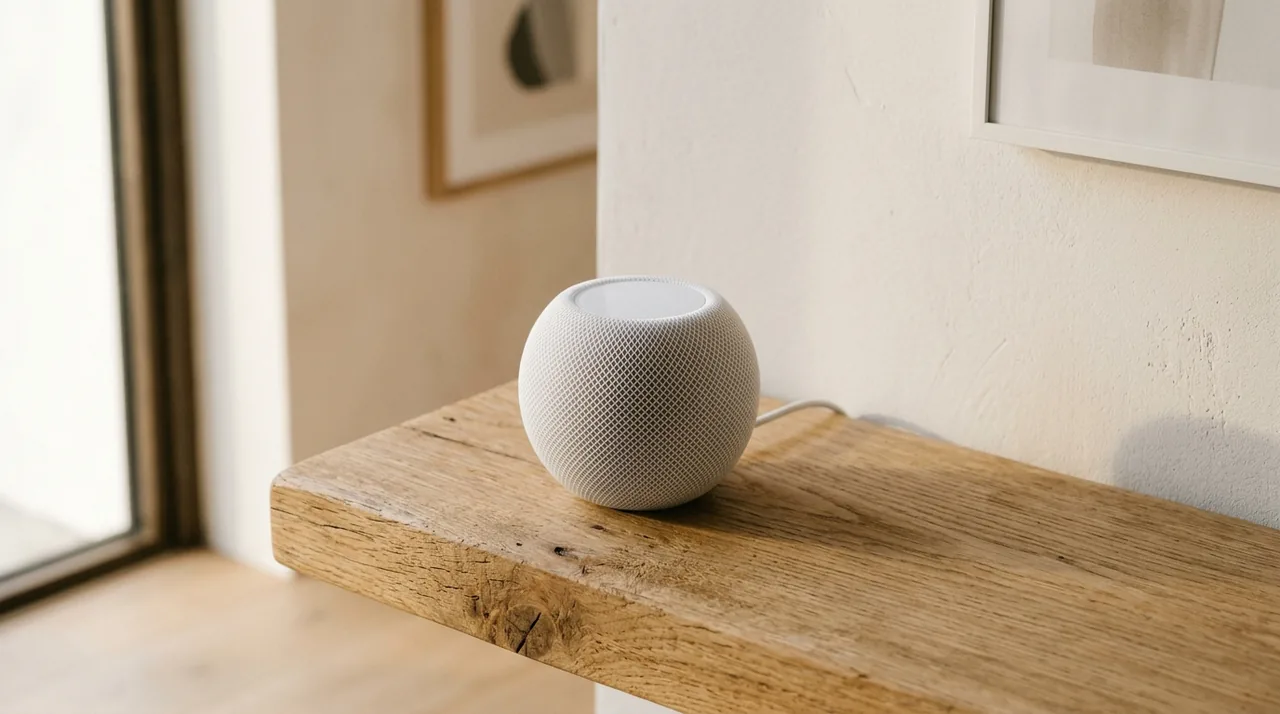
Apple HomePod mini on natural oak shelf

How to Activate Siri

  • Say "Siri" or "Hey Siri" anywhere in the room
  • Touch and hold the illuminated top surface of HomePod

What Works Best

  • Run multiple simultaneous named timers ("Set a pasta timer for 10 minutes")
  • Broadcast voice messages across rooms with Intercom
  • Play native ambient sleep sounds (Rain, Ocean, Forest, Stream, Fireplace, Night, White Noise)
  • Find your misplaced iPhone ("Where is my iPhone?"), control HomeKit accessories, and control Apple TV

Device Limitations

  • HomePod has no screen, so web-style results offer to send info to your iPhone.
  • For security, HomePod can lock smart locks but cannot unlock doors or open garage doors by voice.
  • Third-party music services like Spotify may require AirPlay from iPhone unless native HomePod support is enabled by the service.
HomePod Index

All HomePod & HomePod mini Commands

Filter HomePod & HomePod mini commands by category, OS requirement, or search phrase.

50 commands

Identify Any Song Playing Around You with Shazam

“Hey Siri, what song is playing?”

Siri listens to the background audio for a few seconds, displays the track title and artist, and saves the match to your Shazam history.

Note: Requires an active internet connection for acoustic fingerprinting.

iPhone, iPad, Mac +4 moreVisual guide

Listen to Unread Text Messages Hands-Free

“Hey Siri, read my unread messages”

Siri speaks the sender’s name and message text aloud and pauses to let you dictate an immediate reply.

Note: Requires unlocking iPhone if Allow Siri When Locked is off or if notification previews are hidden while locked.

iPhone, iPad, Mac +4 moreVisual guide

Broadcast Voice Intercom Messages to HomePods & Family Devices

“Hey Siri, Intercom "Dinner is ready"”

Your spoken message plays across targeted HomePods and Apple devices, and family members can reply right back via Intercom.

Note: Intercom must be enabled inside the Apple Home app under Home Settings > Intercom.

HomePod, iPhone, iPad +3 more

Ping a Misplaced iPhone, iPad, or AirPods

“Hey Siri, where is my iPhone?”

Siri confirms it is pinging your device, and the missing hardware begins ringing loudly until you tap Dismiss or press a button.

Note: Both devices must be signed into the same Apple Account with Find My enabled.

HomePod, Apple Watch, iPad +2 more

Run Multiple Named Timers Simultaneously

“Hey Siri, set a pasta timer for 10 minutes”

Siri creates a timer named "Pasta" counting down from 10 minutes alongside any other running timers.

Note: Multiple simultaneous timers on iPhone, iPad, and Watch require iOS 17 / iPadOS 17 / watchOS 10 or newer (HomePod supported multi-timers earlier).

iPhone, iPad, Mac +3 more

Trigger Multi-Device HomeKit Wake & Sleep Scenes

“Hey Siri, good night”

Every HomeKit or Matter device assigned to that scene updates simultaneously and Siri confirms completion.

Note: Scenes must first be created or customized inside the Apple Home app.

HomePod, iPhone, iPad +5 more
SettingsShortcuts

Trigger Multi-Step Custom Apple Shortcuts by Name

“Hey Siri, Morning Routine”

Siri matches the spoken phrase to your saved Shortcut and executes every chained action automatically.

Note: Every Shortcut in your library is automatically voice-triggerable by its exact title in Shortcuts.

iPhone, iPad, Mac +2 more

Ask Siri to Perform a Freestyle Rap

“Hey Siri, rap for me”

Siri recites a rhyming verse in deadpan rhythm (with occasional references to Sugarhill Gang or digital assistant duties).

Note: Saying the prompt multiple times cycles through several written verses.

iPhone, iPad, Mac +3 moreVisual guide

Hear Siri’s Famous Cookie Monster "0 Divided by 0" Reply

“Hey Siri, what is zero divided by zero?”

Siri answers: "Imagine that you have zero cookies and you split them evenly among zero friends. How many cookies does each person get? See? It doesn’t make sense. And Cookie Monster is sad that there are no cookies, and you are sad that you have no friends."

Note: Only works when phrased as zero divided by zero rather than standard non-zero arithmetic.

iPhone, iPad, Mac +3 moreVisual guide

Make Siri Beatbox ("Boots and Cats")

“Hey Siri, beatbox for me”

Siri clears its voice and delivers a tongue-in-cheek rhythmic "boots and cats and boots and cats" beatbox loop.

Note: Apple rotates a few different intros and rhythms, so asking twice can yield slightly different lines.

iPhone, iPad, Mac +3 moreVisual guide

Play Built-In HomePod Ambient Sleep Sounds

“Hey Siri, play rain sounds”

HomePod begins looping the requested soundscape smoothly without needing an Apple Music playlist.

Note: Built-in ambient soundscapes are native to HomePod and HomePod mini (available seven tracks: Rain, Forest, Ocean, Stream, Night, Fireplace, White Noise).

HomePod
FAQ

HomePod & HomePod mini Siri Questions

How do I stop my iPhone and HomePod from answering at the same time?

Keep Bluetooth turned on across your devices. Apple uses proximity sensing so when both hear "Hey Siri," HomePod responds automatically unless you raise your iPhone or press its Side button.

Can HomePod tell family members apart for calendar and messages?

Yes. Enable Recognize My Voice and Personal Requests in the Home app under each household member’s profile so Siri reads the right person’s messages and reminders.

Guides

Recommended Guides for HomePod & HomePod mini

Explore Other Apple Devices