Skip to content
SiriCommands
8 Commands

Navigation & Travel Siri Commands

On the road or walking through a city, Siri links tightly with Apple Maps, CarPlay, and Wallet flight tracking. Save and find your parked car automatically after disconnecting from CarPlay or car Bluetooth, share live arrival times hands-free, or search for chargers and coffee shops along your route.

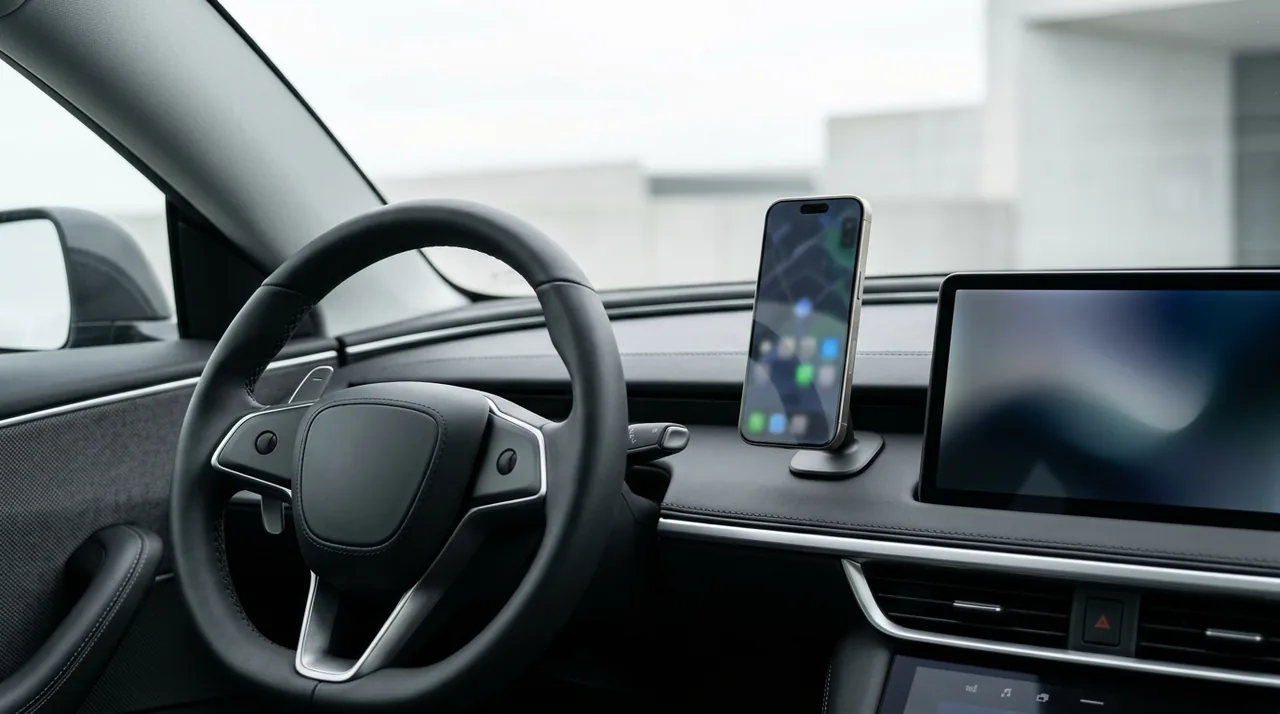
Dashboard iPhone mount for Apple Maps navigation and CarPlay
8 commands

Find Your Parked Car Automatically in Apple Maps

“Hey Siri, where did I park my car?”

Siri displays the exact Parked Car pin on Apple Maps and offers walking directions right back to your parking spot.

Note: Requires Show Parked Location turned on in Settings > Apps > Maps and pairing your iPhone with CarPlay or car Bluetooth.

iPhone, Apple Watch, CarPlay +1 more

Share Your Live Arrival Time While Navigating

“Hey Siri, share my ETA with Alex”

Apple Maps sends your real-time ETA notification to Alex and updates them automatically if traffic delays you.

Note: Requires active Apple Maps turn-by-turn navigation and Share ETA enabled in Settings > Apps > Maps.

CarPlay, iPhone, AirPods

Add Gas, EV Chargers, or Coffee Along Your Active Route

“Hey Siri, find the nearest EV charger along my route”

CarPlay or Maps displays matching stops sorted by minimal detour time so you can tap or speak to add a pit stop.

Note: Saying "along my route" prevents Maps from routing you backward behind your current position.

CarPlay, iPhone, Apple Watch +1 more

Start Turn-by-Turn Navigation Hands-Free

“Hey Siri, get directions home”

Maps opens the fastest route and immediately begins turn-by-turn navigation.

Note: Home and Work destinations rely on your My Card addresses in Apple Contacts.

iPhone, iPad, Apple Watch +2 more

Cancel Active Apple Maps Directions

“Hey Siri, stop navigating”

Apple Maps exits active navigation mode and silences route prompts.

CarPlay, iPhone, Apple Watch +1 more

Check Drive Time & Live Traffic Conditions

“Hey Siri, how is traffic to the airport?”

Siri speaks the current drive time and notes whether traffic is light, moderate, or delayed.

iPhone, iPad, Mac +3 more

Check Live Flight Arrival, Gate & Delay Status

“Hey Siri, what’s the status of United flight 415?”

Siri displays a live flight card showing scheduled vs. estimated times, terminal, and baggage claim when available.

Note: Pair with Apple Intelligence personal context ("when is my mom’s flight landing?") if you do not know the flight number.

iPhone, iPad, Mac +2 more

Request Driving Directions Avoiding Tolls or Highways

“Hey Siri, give me driving directions to Boston avoiding tolls”

Apple Maps calculates and launches a toll-free or surface-road route to your destination.

CarPlay, iPhone
Pro Tips

Tips for Navigation & Travel

  • Turn on Settings > Apps > Maps > Show Parked Location so iPhone automatically drops a car pin whenever it disconnects from CarPlay or car Bluetooth.
  • Use "along my route" when asking Siri for gas stations, EV chargers, or rest stops so Maps avoids sending you miles behind.
  • Enable Share ETA in Maps settings so saying "Share my ETA" works in one step while driving.
FAQ

Navigation Siri Questions

How does "Hey Siri, where did I park?" know my car location?

When your iPhone disconnects from CarPlay or your vehicle Bluetooth stereo with Show Parked Location enabled in Maps settings, iOS saves the GPS coordinate automatically so Siri can guide you back.

Can Siri give directions in Google Maps or Waze?

Siri defaults to Apple Maps, though you can append "using Google Maps" or "with Waze" on iPhone to hand off navigation to installed third-party map apps.

Related Guides

Setup & Walkthrough Guides

Browse Other Categories