Skip to content
SiriCommands
iPhone92 commands

iPhone Siri Commands

iPhone gives you the broadest Siri feature set in the Apple ecosystem, combining everyday calls, timers, Maps, and HomeKit with Apple Intelligence capabilities on iPhone 15 Pro, iPhone 16, and newer models. You can summon Siri by voice, with the Side button, or silently by double-tapping the bottom bar for Type to Siri.

OS Support: Supports classic Siri on all iPhones, iOS 17+ improvements (Listen to Page, multi-timers, "Siri" wake word), and iOS 26.4+ / iOS 27 Apple Intelligence on iPhone 15 Pro and iPhone 16 or newer.

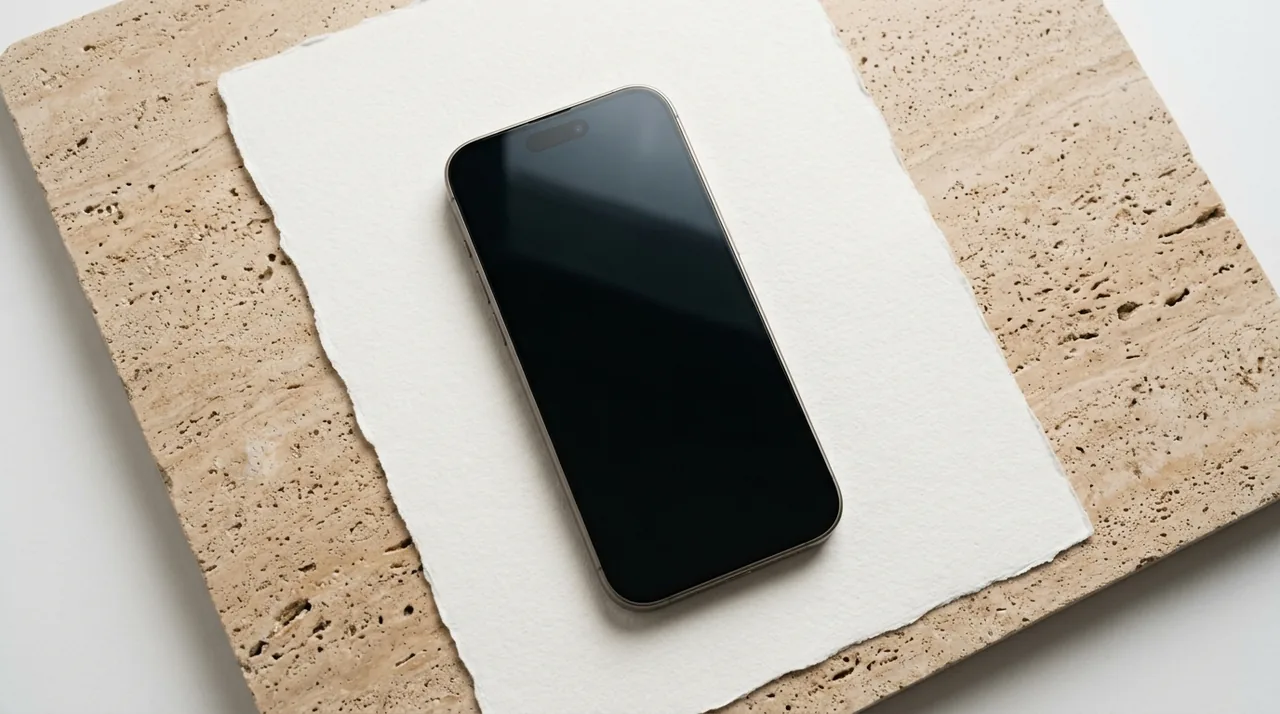
Titanium iPhone resting on architectural travertine stone and paper

How to Activate Siri

  • Say "Siri" or "Hey Siri" hands-free (iOS 17+ supports single-word "Siri")
  • Press and hold the Side button (or Home button on older models)
  • Double-tap the bottom bar on Apple Intelligence devices for Type to Siri
  • Enable Accessibility > Siri > Type to Siri on older models

What Works Best

  • On-screen awareness, cross-app personal context, Visual Intelligence, and ChatGPT handoff on Apple Intelligence models
  • Full Safari Listen to Page, system screenshots, device restart, and flashlight Easter eggs
  • Runs custom Shortcuts including Water Eject and multi-step Morning Routines
  • Hands-free speakerphone calls, WhatsApp messaging, and automatic Parked Car tracking

Device Limitations

  • Apple Intelligence Siri AI features require iPhone 15 Pro, iPhone 16, or newer A-series silicon.
  • Some actions like reading private notifications or unlocking doors require Face ID or passcode verification when the screen is locked.
  • Water Eject is not built natively into iOS and requires installing or creating a Shortcut.
iPhone Index

All iPhone Commands

Filter iPhone commands by category, OS requirement, or search phrase.

92 commands

Hand Off Complex Prompts & Photos to ChatGPT via Siri

“Siri, ask ChatGPT to plan a 3-day Tokyo itinerary”

Siri confirms whether to share the prompt or screenshot with ChatGPT (unless auto-confirm is set) and displays ChatGPT’s formatted answer inside the Siri overlay.

Note: Requires Apple Intelligence hardware and the ChatGPT extension enabled in Settings > Apple Intelligence & Siri > ChatGPT.

iPhone, iPad, MacVisual guide

Summon Type to Siri Silently

“Double-tap bottom bar (Type to Siri)”

The glowing Siri input bar slides up with keyboard focus and prompt suggestions, letting you type any command silently.

Note: Double-tapping the bottom bar requires Apple Intelligence turned on (iPhone 15 Pro / iPhone 16+ / M-series iPad).

iPhone, iPad, MacVisual guide

Identify Any Song Playing Around You with Shazam

“Hey Siri, what song is playing?”

Siri listens to the background audio for a few seconds, displays the track title and artist, and saves the match to your Shazam history.

Note: Requires an active internet connection for acoustic fingerprinting.

iPhone, iPad, Mac +4 moreVisual guide

Identify Objects, Flyers & Places with Visual Intelligence

“Siri, what restaurant is this?”

Visual Intelligence analyzes what your camera sees or what is on your screen and offers instant hours, reviews, calendar extraction, or web/ChatGPT lookups.

Note: Camera-based Visual Intelligence requires iPhone 16 series (Camera Control) or supported Action Button / Control Center models running Apple Intelligence.

iPhone

Listen to Unread Text Messages Hands-Free

“Hey Siri, read my unread messages”

Siri speaks the sender’s name and message text aloud and pauses to let you dictate an immediate reply.

Note: Requires unlocking iPhone if Allow Siri When Locked is off or if notification previews are hidden while locked.

iPhone, iPad, Mac +4 moreVisual guide
SettingsShortcuts

Play Water Eject Speaker Tone via Apple Shortcuts

“Hey Siri, Water Eject”

Siri triggers your installed Water Eject Shortcut, plays a pulsed low-frequency tone through the speakers, and clears residual moisture.

Note: Not built natively into iOS: you must first add a Water Eject shortcut in the Apple Shortcuts app (unlike Apple Watch, which has built-in Water Lock eject in Control Center).

iPhone, iPadVisual guide

Search Personal Context Across Mail, Messages & Files

“Siri, when is my mom’s flight landing?”

Siri searches your indexed personal data, cross-references flight or appointment details, and displays or speaks the exact time, file, or message.

Note: Requires Apple Intelligence Siri AI and indexing permissions for Mail, Messages, and Calendar.

iPhone, iPad, Mac

Take a Hands-Free Screenshot

“Hey Siri, take a screenshot”

The Siri overlay dismisses briefly, flashes the screen capture, and saves the screenshot without pressing any hardware buttons.

Note: Not supported on Apple Watch, HomePod, CarPlay, or Apple TV.

iPhone, iPad, MacVisual guide

Take Action on What Is on Your Screen

“Siri, add this address to Mom’s contact”

Siri reads the visible address, date, link, or photo on screen and saves or shares it directly into Contacts, Calendar, Messages, or Reminders.

Note: Requires Apple Intelligence hardware (iPhone 15 Pro, iPhone 16 or newer, or M-series iPad and Mac).

iPhone, iPad, Mac
FAQ

iPhone Siri Questions

How do I switch between "Hey Siri" and just saying "Siri"?

Open Settings > Apple Intelligence & Siri (or Siri & Search) > Talk & Type to Siri, then choose "Siri or Hey Siri."

Which iPhones support Visual Intelligence and on-screen Siri awareness?

Apple Intelligence features including on-screen awareness, Type to Siri bottom-bar double-tap, and Visual Intelligence require iPhone 15 Pro, iPhone 15 Pro Max, or the iPhone 16 lineup and newer.

Can Siri run commands while my iPhone is locked?

Basic actions like timers, weather, and HomeKit lights work while locked if "Allow Siri When Locked" is enabled in Settings. Personal messages, emails, and unlocking doors require Face ID or passcode authentication.

Guides

Recommended Guides for iPhone

Explore Other Apple Devices